Stop entering the same details twice.
Where supported, send form and booking details into your CRM without a person copying each field.
CRM integrations
When someone fills out your form or books a call, your team shouldn’t have to type the same information again. We connect supported websites, forms, calendars, and CRMs so the right details reach the people who need them.
We check what your current software can connect and which information should be shared before building anything.
If someone copies names, phone numbers, or answers from an email into the CRM every day, that’s time taken away from customers. We help remove the repetitive steps that your tools can handle.
What changes for your team
Your website, forms, booking calendar, and CRM should work together. People shouldn’t have to hunt for a customer’s request or enter it more than once.
Where supported, send form and booking details into your CRM without a person copying each field.
When the same person contacts you again, matching rules can update their existing record rather than making a second disconnected one.
Keep the request, form answers, and any known source details together so the next person can pick up where the customer left off.
Test important transfers and make failed or incomplete steps easier to spot instead of discovering them later.
Here's what this could look like
If someone moves the same details from a website notification into a spreadsheet and then into your CRM, you're paying for the same task more than once.
A team member re-enters the customer's name, request, and appointment details. Information can be missed or put in the wrong record.
Agreed details can move from the form or calendar into the CRM, with matching rules to help keep repeat requests together.
Staff can spend less time retyping and searching, and more time doing the work customers are paying them for.
Illustrative example of a possible integration, not a measured client result. Feasibility depends on the tools and available permissions.
A real example we built
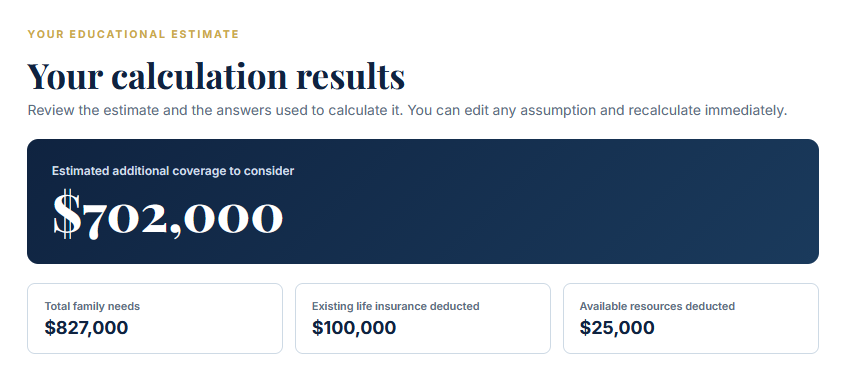
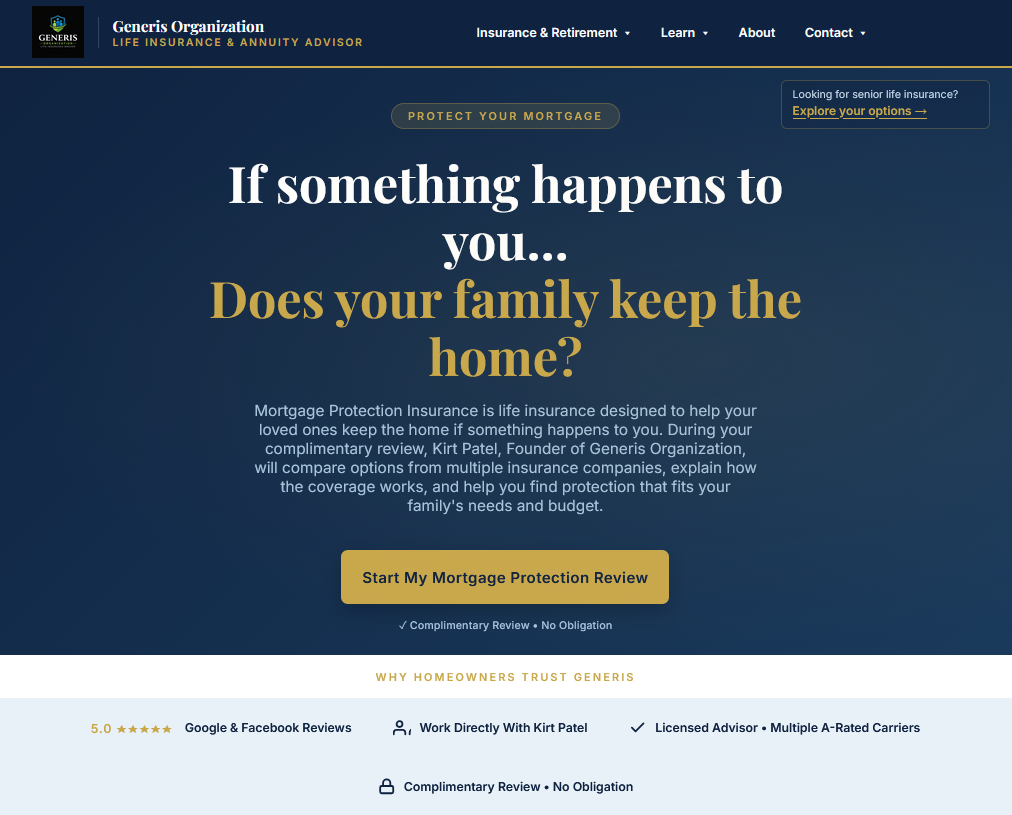
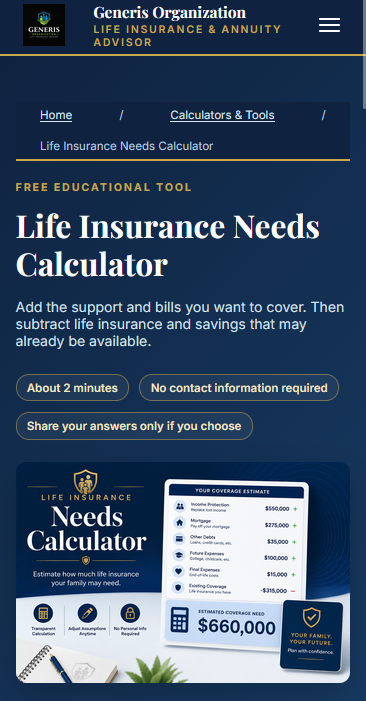
At Generis Organization, the life insurance agency we operate, someone can use a life insurance calculator without giving us contact details. If they choose to ask for a review, they can share their answers. In controlled tests, that request reached our CRM with the information they chose to send.
What this shows: the selected connection worked in testing. It does not establish how much revenue or additional business it will produce.
Before we connect anything
We check what should trigger an update, what information can be shared, and what happens if someone is already in your system.
For example, when someone submits a form or books a meeting—not just because they opened a page.
Usually the customer’s details and request, plus any other information they agreed to share.
We decide when to update an existing record instead of creating another one, and how to handle repeats.
We test missing details, repeat requests, and other likely problems so you can spot a failed transfer.
How we work
You don’t need to connect everything at once. We start with the step that wastes the most time or leads to the most missing information.
We look at where information arrives, where staff move it, and what tends to get lost.
Decide which details to send, where to send them, and what should happen when someone contacts you again.
Use available integrations or a suitable custom connection when the software supports it.
Check new inquiries, returning customers, missing fields, and failures—then show your team what changed.
See for yourself
Watch our real website-to-CRM demonstration, browse other projects, or review starting prices before deciding on a first step.
Common questions
Possibly. We have hands-on experience with GoHighLevel and custom website connections. Tell us which tools you use, and we’ll check what they support before recommending a solution.
Not completely. People enter information differently, and outside systems can fail. We can set up matching rules and test common problems so duplicates and missing details are less likely to go unnoticed.
Sometimes it can improve the picture. If your website and CRM record where an inquiry came from and whether it became a customer, those details can support better reporting. The connection itself cannot prove which ad caused a sale.
That depends on how many details your team copies by hand today. We can identify repetitive steps, agree on what to automate, and measure the change when your systems support it.
Start with the problem
Tell us which details get copied from forms, email, or spreadsheets into your CRM. We’ll help find a sensible first connection so your team can spend more time with customers.